Home / Free guide
Free guide · Edits by Instagram

Video editing,
made clear.

Edit your first short video on your phone, start to finish. A free, step-by-step field guide to Edits by Instagram for complete beginners. Watch 17 looping demos to see exactly where to tap.

  • 31 pages
  • 17 animated demos
  • Online and PDF
  • Free

The same guide we give teams on our Content Creation Masterclass.
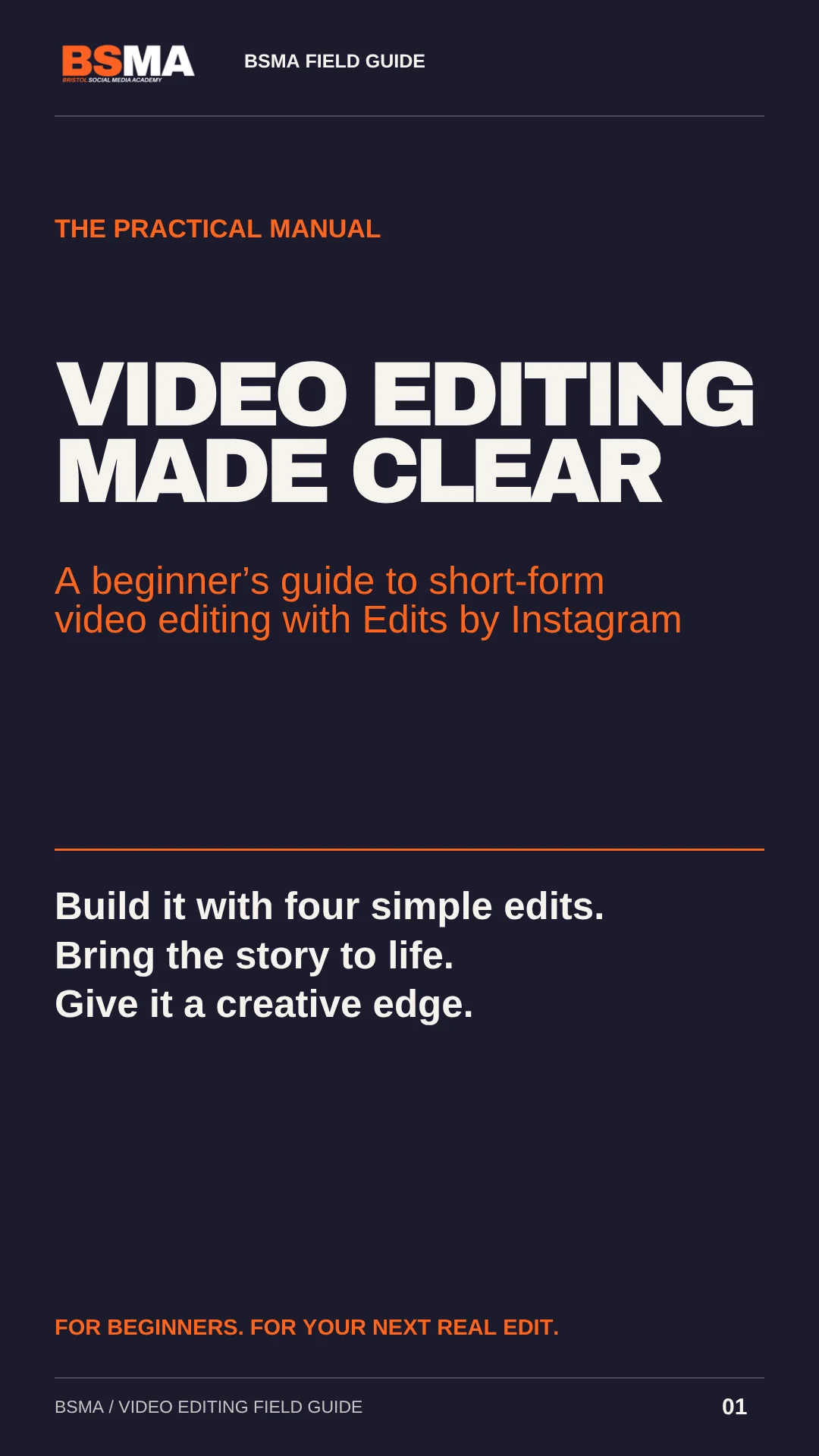
Cover of the BSMA video editing field guide for Edits by Instagram
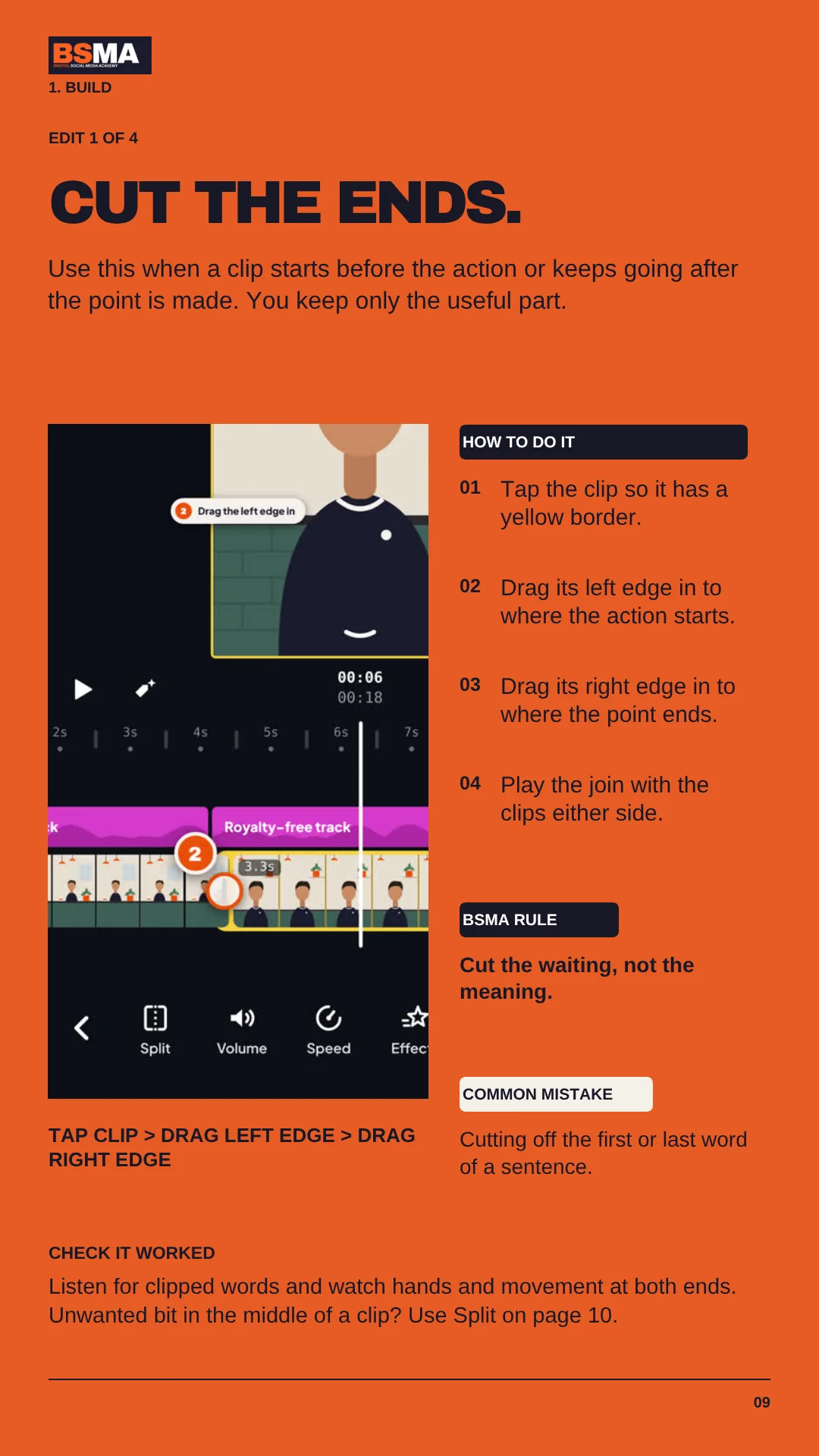
A page from the guide on cutting the ends of a clip in Edits
17 DEMOSSEE EXACTLY WHERE TO TAP
What's inside

Four edits. One finished video.

Most beginners don't need every feature. They need the right four, in the right order. The guide starts there, then shows you how to tell a better story.

  • 01Plan your video around one clear message
  • 02Cut, split, delete and reorder: the four edits that finish a video
  • 03Add B-roll, text, captions and music that keep people watching
  • 04Six optional creative tools, from speed changes to sound effects
  • 05The right export settings, a cheat sheet and a final checklist

The guide is yours.

Pick your format. Bookmark the online guide so it's there next time you open Edits.

Want your team filming and editing with confidence? See the Content Creation Masterclass.

Sorry, that didn't send. Check your details and try again, or email thom@bristolsocialmediaacademy.co.uk and we'll send the guide over.

Get your free guide

Create your free BSMA account to open the animated guide and PDF. Register once, then log in whenever you want to return, on any device.

Downloaded the guide before? Create your free account once to keep it in your library.

Free access. No payment details needed. We’ll email you a login code. Marketing emails are a separate, optional choice.

How the guide works

Three stages. One great video.

Work through it in order. Stage 1 is all you need to finish a video. Stages 2 and 3 make it even better.

Stage 1

Build

Four basic edits turn your clips into a clear story. That alone makes a finished video.

Cut, split, delete, reorder

Stage 2

Tell the story

Pace, B-roll, text, captions and music help people see what you mean and keep watching.

Four story tools + pacing

Stage 3

Creative edge

Optional tools for extra polish. Pick one, try it, and keep it only if it helps.

Six creative tools

The animated guide

Watch on a second screen while you edit on your phone, or switch between the guide and Edits. Tap any demo to pause it.

The PDF

Keep it on your desktop or print the cheat sheet. Tap any demo in the PDF to watch it move online.

Ready to make your first edit?

Get the free guide